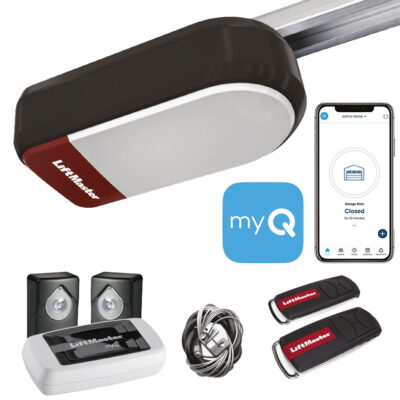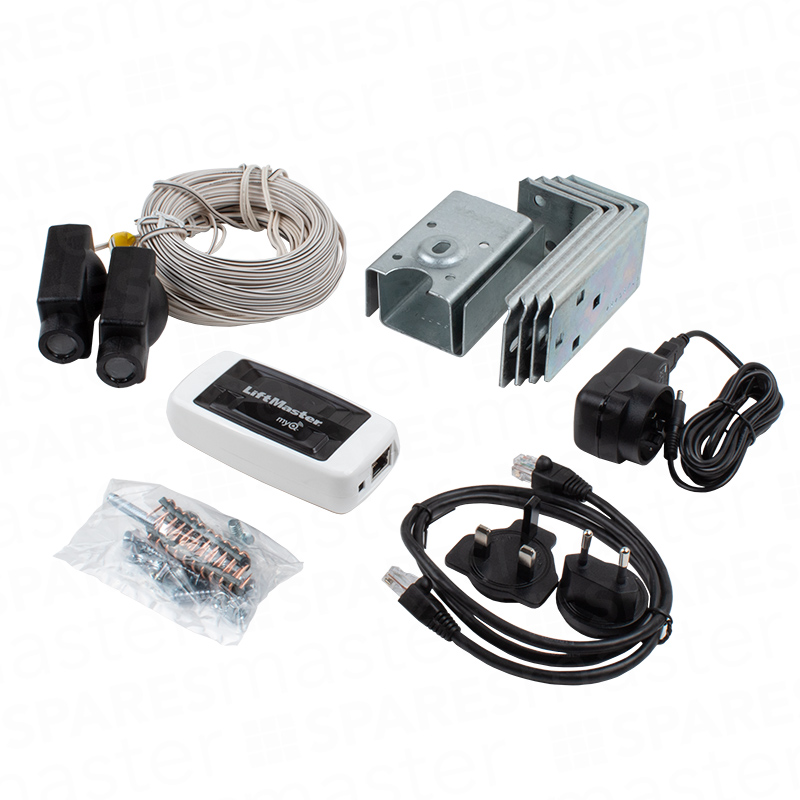

Includes:
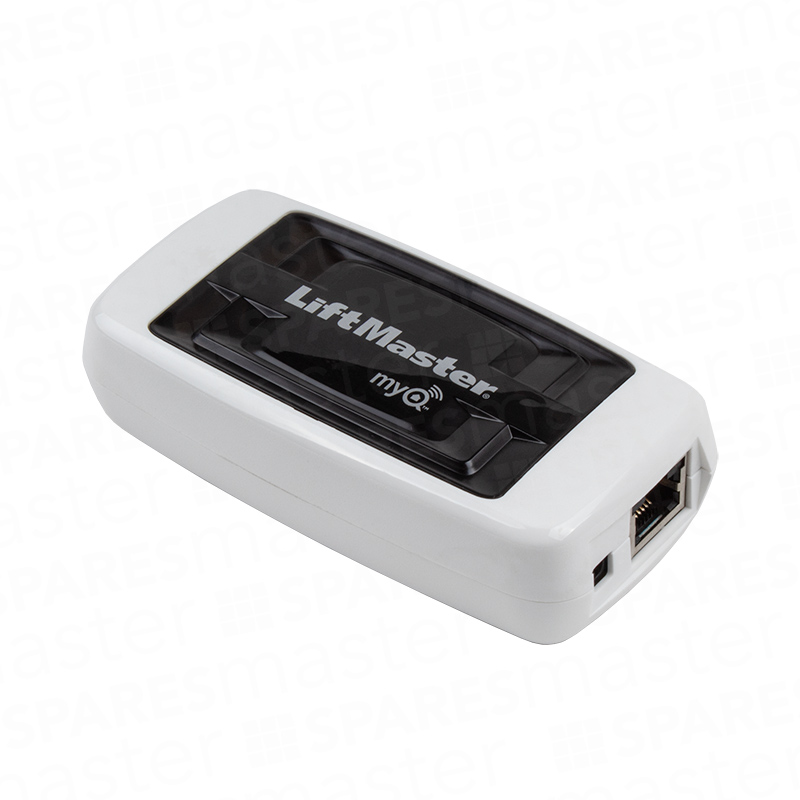
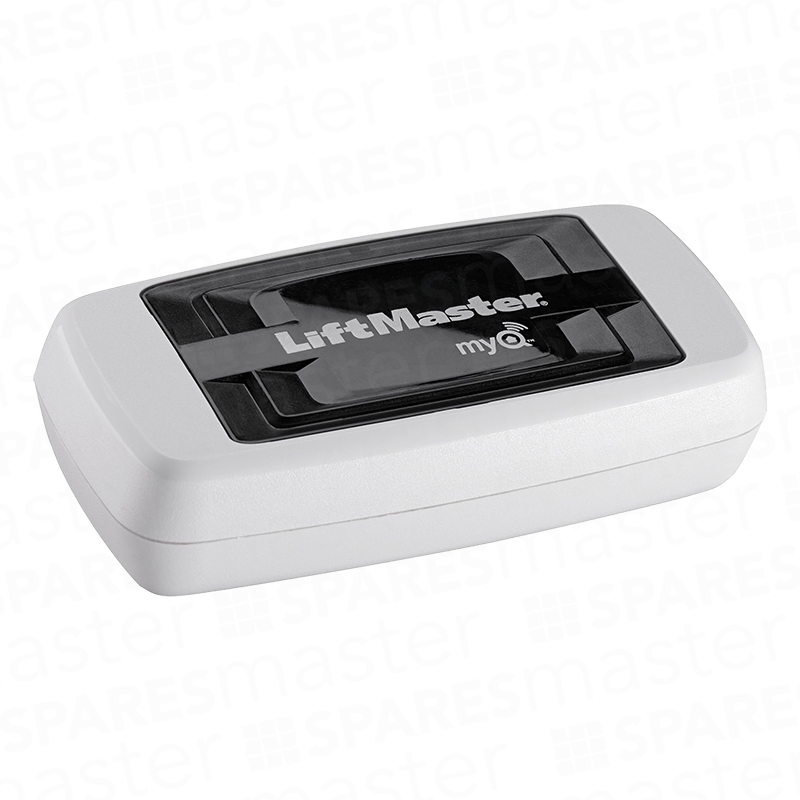
- MyQ internet gateway 828EV
- Photocells 770EN
- Fittings, brackets, power adaptor and cables

Description
Chamberlain Liftmaster MyQ Starter Pack Internet Gateway 828EV & Photocells 770EN
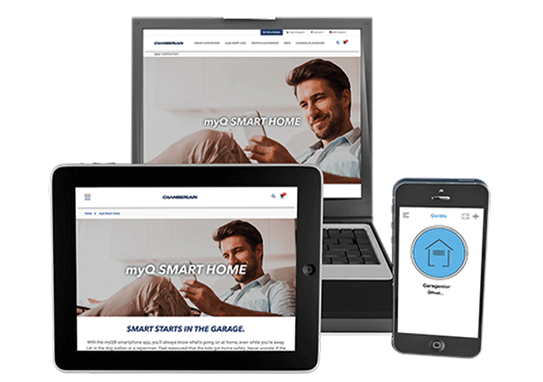
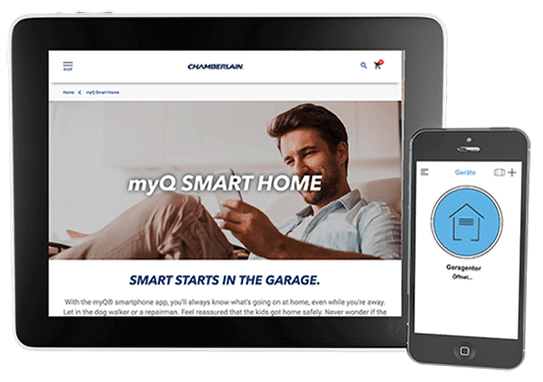
Revolutionary new accessory with integrated MyQ technology that makes it possible to link the garage door opener to the internet and monitor and operate it from the home or garden, or anywhere in the world, with a smartphone, tablet PC or computer.
THE MYQ TECHNOLOGY GUARANTEES SAFETY AND QUALITY OF LIFE
With the innovative myQ technology, LiftMaster meets the most important requirements of our homes: safety and comfort. The myQ allows you to connect LiftMaster products to your smartphone, tablet or computer. In other words, using the app, you can control and monitor your entrance gate or your garage door, from any location. This allows you to save time and, simultaneously, offers more safety.
AN ADDED VALUE TO YOUR COMFORT
The advantages of myQ are obvious: you will never have to worry if you really closed the garage door or not. A glance and a click on your smartphone are enough to simply close the door when you are not at home. MyQ is also very handy when your children arrive early from school, if a supplier is at your closed door or if you want to lend something from your garage to a neighbour. With myQ, you can easily open the door, even when you are not at home.
- Can be installed quickly and easily through a standard router
- No annual usage fee
- Can be used with the following LiftMaster models: LM60EV/S, LM80EV/S, LM100EV/S, LM130EV/S, LM750EV and any LiftMaster gate operator with CB124EV (swing gate control) and CB202EV (sliding gate control)
Safety devices when using MyQ accessories:
In order to be compliant to current EU regulatory, IR sensors (included) must be installed to use MyQ enabled accessories. The Garage Door Monitor 829EV as well as the Internet Gateway 828EV can be used with IR systems.
Downloads
Reviews
Features
EASY INSTALLATION, INTUITIVE USE
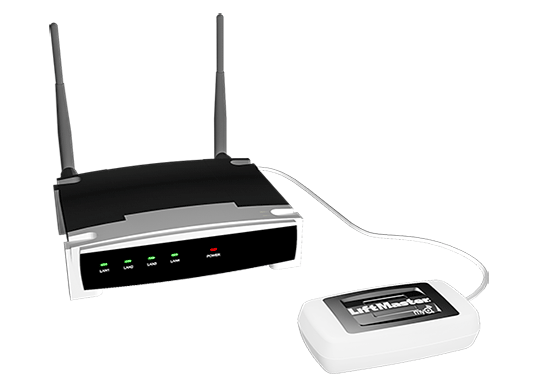
As with all LiftMaster products, myQ is also a user-friendly solution. To install it you just need to connect the LiftMaster Gateway to your router, and then register and login with the serial number. In the last step of the installation, the operator is connected through a simple touch of a button. Now you can now open and close your garage door or entrance gate, using your computer, tablet or smartphone.
 |
 |
| 1. Create a connection Connect the network cable to the router. Connect the Internet gateway to the power supply. When the Internet gateway has connected to the Internet, the green light will light up permanently. |
2. Download the free myQ App The myQ App is available for free in the App Store and Google Play Store. |
 |
 |
| 3. Create an account Create an account in the myQ app. |
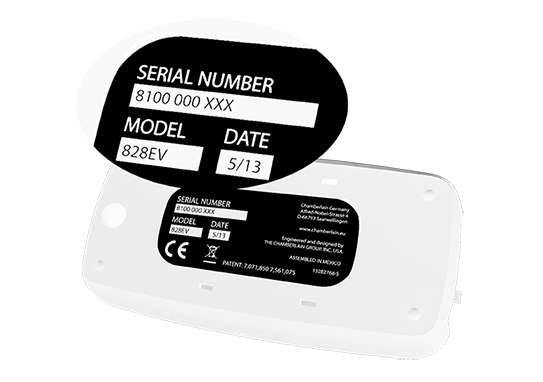
4. Register your gateway Enter your Internet gateway’s serial number. It is located on the bottom of your device. |